About This App
| App Name | Adobe Scan AI PDF Scanner, OCR |
| Category | AI & Tools |
| File Size | — |
| Version | VARY |
| Package | com.adobe.scan.android |
Screenshots
Description
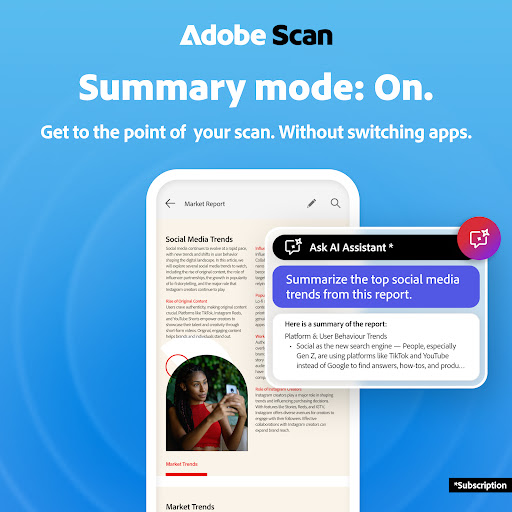
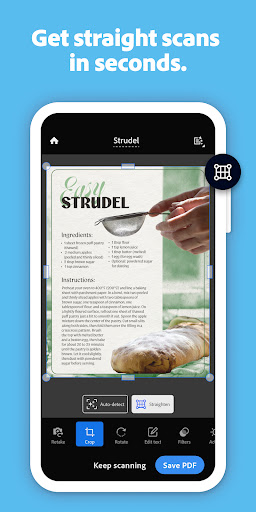
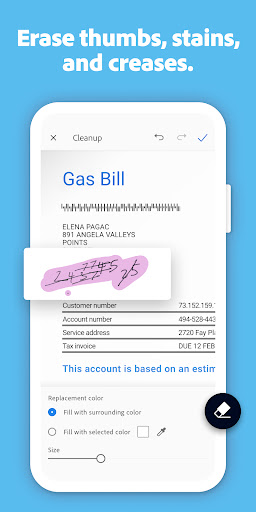
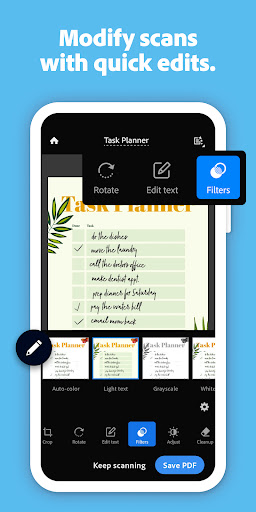
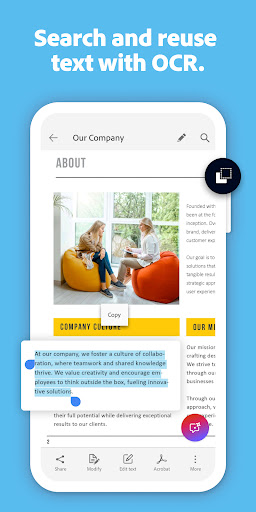
Magic eraser for cleaner scans. The new Magic eraser tool removes unwanted fingers, shadows, stains, and creases in your scan in one tap. Get cleaner documents without rescanning. Adobe Scan is free to download and turns your mobile device into a powerful document scanner and PDF maker that helps you save and organize your paper documents as digital files. 6 WAYS TO USE THE ADOBE SCANNER APP 1) Save time with a fast document scanner app: Use High-speed scan to bulk scan documents and turn stacks into PDFs in seconds. 2) Make a PDF with your phone: Convert paper documents or printed photos into PDFs or JPEGs with the mobile PDF and photo scanner app. 3) Ask AI Assistant to pull the key points from any scan, get follow-up answers or draft emails, reports, and next steps from your scan. 4) Use Generative summary: One tap pulls the key points from any scan, so you can find what matters and summarize your docs in a tap with AI. 5) Turn images to text: Use the image-to-text feature to make words in your scans searchable and editable with OCR. 6) Scan anything: Receipts, IDs, notes, recipes, photos, business cards, whiteboards – this document scanner app and PDF maker gives you files you can work with on your phone, tablet, or computer. CAPTURE WITH PRECISION • The Straighten tool fixes pages that come out curved or tilted while you scan, even if all four corners aren’t visible in the scanner. • Advanced scanner technology detects document borders, sharpens content, and makes your scans editable and searchable. ENHANCE YOUR SCANS • Edit in text lets you scan words, and handwritten text, to make it editable. • A photo scanner that converts photos to PDFs, then try the Modify tool to crop, rotate, resize, and adjust colors in your scans. • Reorder pages and preview befor This page provides version info and install guidance. For security, we recommend installing Adobe Scan AI PDF Scanner, OCR from Google Play unless a direct APK is explicitly offered by us.