About This App
| App Name | Adobe Acrobat Reader: Edit PDF |
| Category | AI & Tools |
| File Size | — |
| Version | VARY |
| Package | com.adobe.reader |
Screenshots
Description
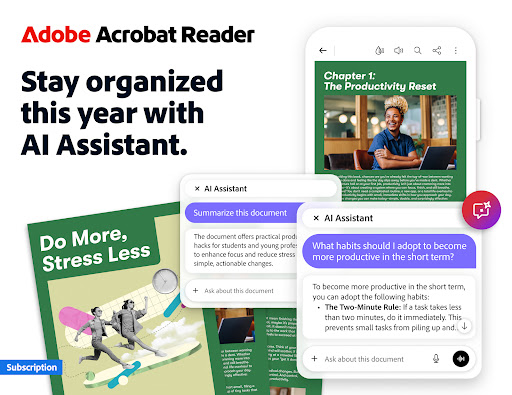
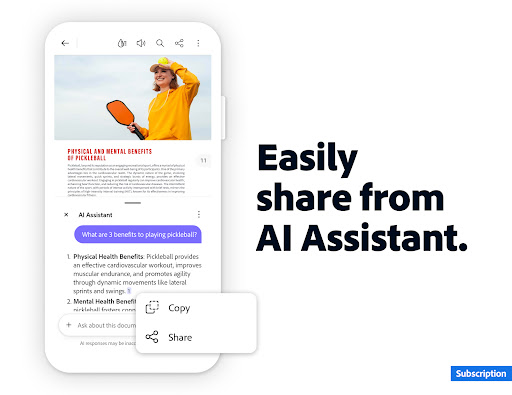
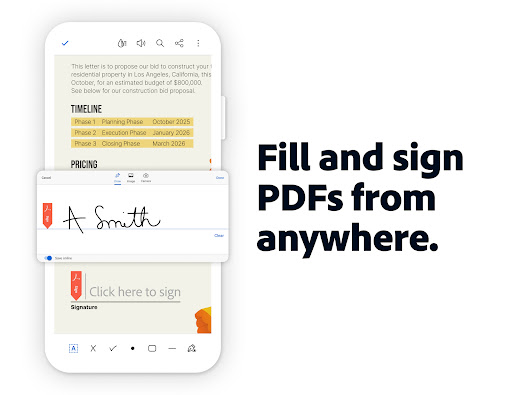
Major new updateMajor new updates: Collaborate and share your files in PDF Spaces, turn your document summaries into podcast-style audio, and create standout content in Acrobat Reader with design tools powered by Adobe Express. The world’s most trusted PDF reader, PDF editor, and PDF maker with more than 635 million installs. View, share, annotate, add comments, and sign documents - all in one app. You can store your files online and read documents anywhere. Get your 7-day free trial and try all the features of Acrobat Reader. Paid featuresAdobe Acrobat AI Assistant • Work across multiple files in one place with PDF Spaces. Collaborate, store, and use AI Assistant across files • Use voice or text prompts with AI Assistant chatbot • Ask questions and get cited answers about details in your document, including charts, graphs, and tables with Figures Q&A • Easily share the responses you get • Try voice support to ask queries and have answers read aloud. • Instantly generate summaries from your PDFs with Generative AI Summaries • Get content for emails, text, study notes, blogs, and more [Adobe Acrobat AI Assistant is a paid feature*, free for a limited time] Edit PDFs • With our PDF editor, edit text and images directly in your PDF (mobile only) • Fix typos or add paragraphs with the PDF editor • Easily add, delete, or rotate any image • Use this PDF signer and PDF viewer to get your docs just right Recognize text • Optical Character Recognition (OCR) turns scanned PDFs into searchable, editable text to use in other formats Merge & organize PDFs with PDF converter • Split or combine multiple files into one PDF with PDF converter • Use the PDF editor to insert, delete, rotate, crop & reorder pages in your PDF file Create, convert & export PDFs • Easily convert to This page provides version info and install guidance. For security, we recommend installing Adobe Acrobat Reader: Edit PDF from Google Play unless a direct APK is explicitly offered by us.